Key points at a glance
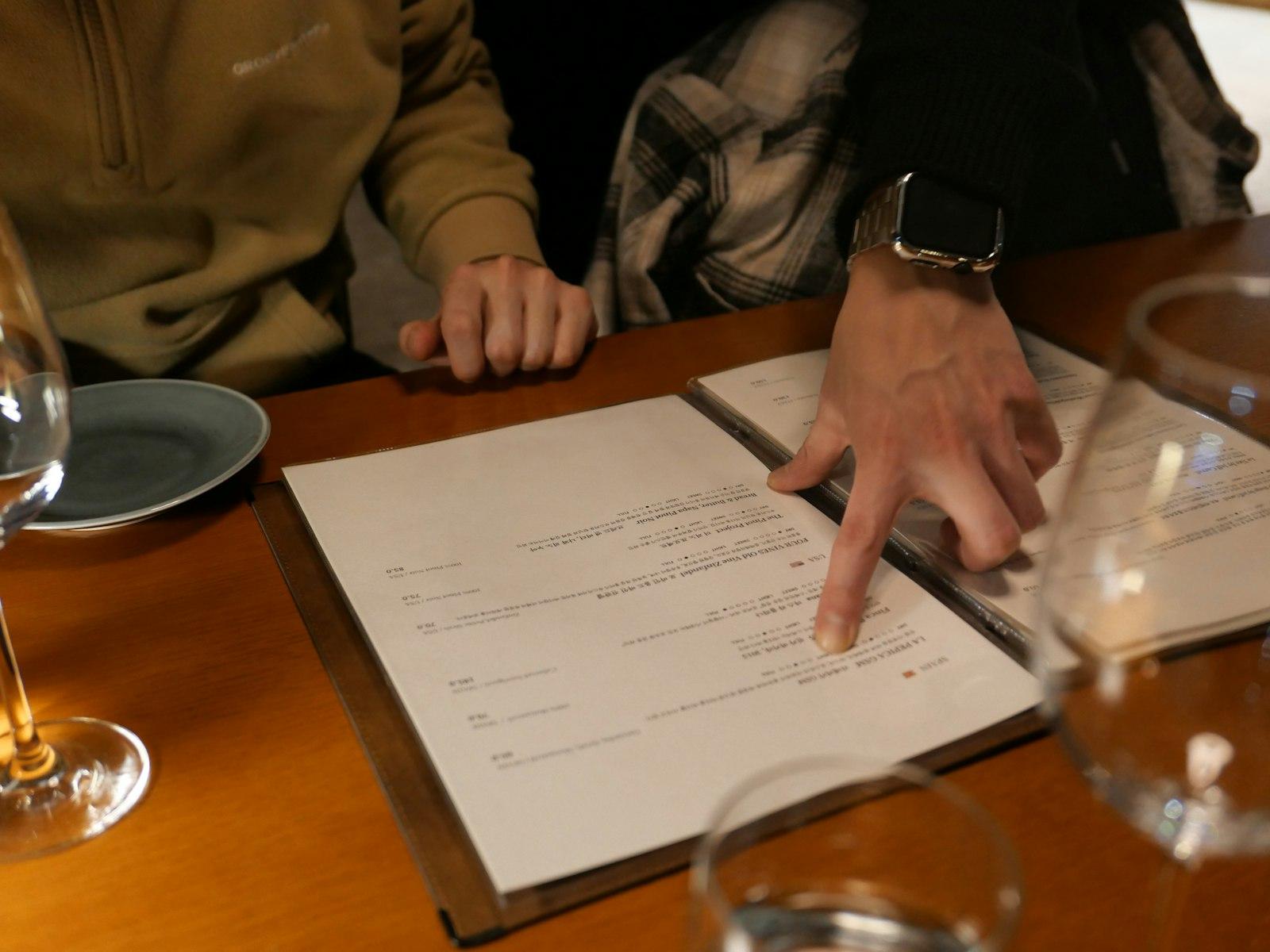
- § 6 PrAG: keep enough food and drinks menus at hand and show them to every guest before they order, and on request before they pay.
- If you regularly serve hot food, you also need a price list that can be read from outside next to or near the entrance door.
- All prices are gross prices including VAT and all surcharges (§ 9 PrAG); a cover charge (Gedeck) therefore belongs visibly on the menu.
- Since 1 July 2026, tourist taxes such as the Ortstaxe may be shown separately or included in the price.
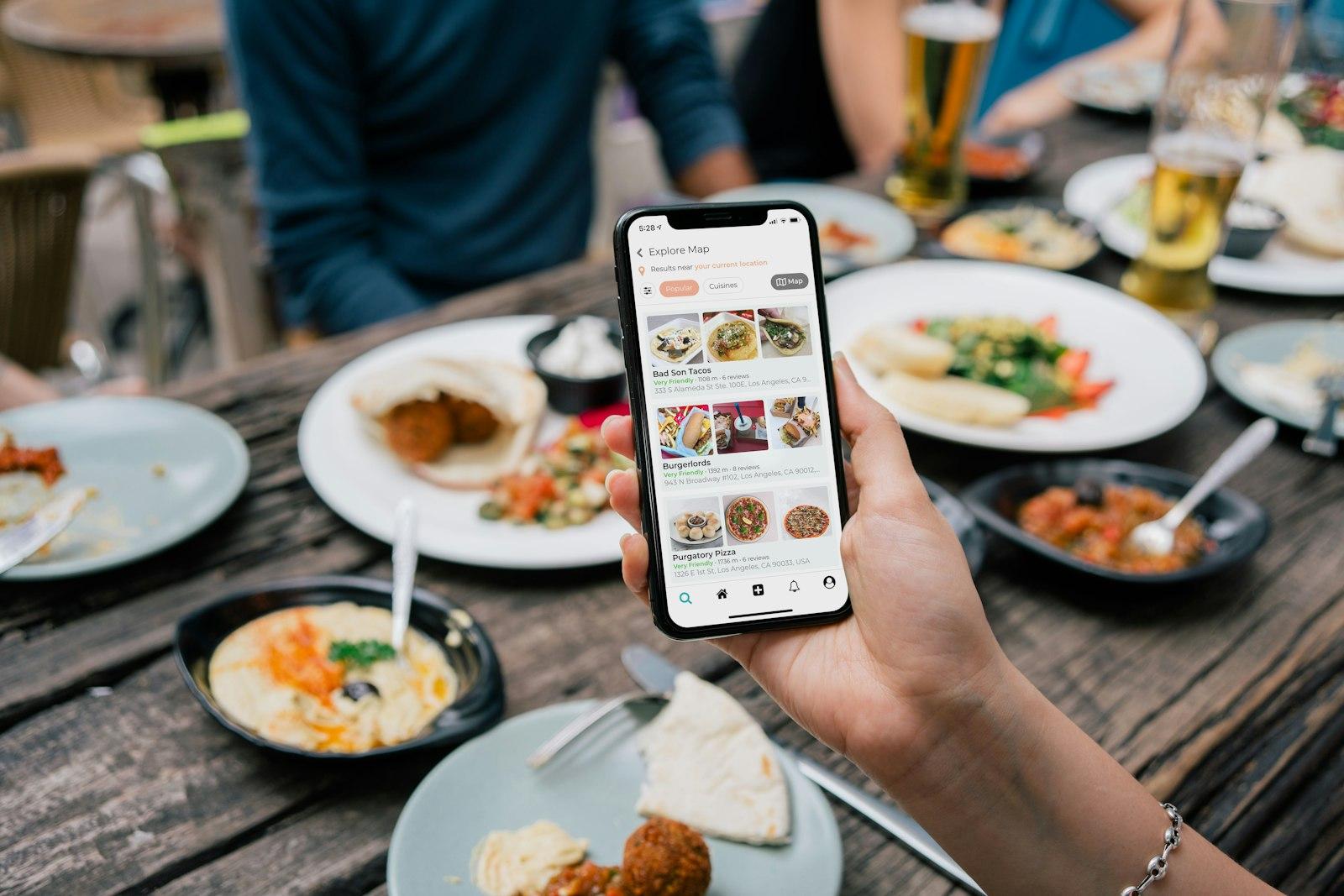
- Prices on your website, Google and delivery platforms are voluntary price indications and must be gross too; keep them identical to the menu in the venue.
This post is general information and does not replace legal or tax advice. Rules change and some differ between federal states: check the details with your chamber of commerce (WKO) or IHK, the competent authority or your tax adviser.
The Preisauszeichnungsgesetz in hospitality
The Preisauszeichnungsgesetz (PrAG) is meant to let guests know and compare prices before they order. It applies to goods and to services covered by the Gewerbeordnung (trade regulation act), which includes hospitality. Hospitality businesses have their own provision in § 6 PrAG; what prices must look like is set out in § 9 PrAG for all sectors. Inspections are carried out by the Bezirksverwaltungsbehörden (district administrative authorities).
| Provision | Obligation | For whom |
|---|---|---|
| § 6 (1) PrAG | enough price lists for food and drinks, shown before ordering and on request when settling the bill | all hospitality businesses with table service |
| § 6 (2) PrAG | exception from (1) if the prices are displayed legibly in a clearly visible place in the dining room | smaller businesses |
| § 6 (3) PrAG | price directly on the goods, other prices on clearly visible price lists | self-service, canteen, display case |
| § 6 (4) PrAG | price list of the food that can be read from outside, next to or near the entrance door | businesses that regularly serve hot food |
| § 9 PrAG | gross prices in euros including VAT, levies and surcharges | everyone |
Food and drinks menus in the venue
Under § 6 (1) PrAG, you must keep enough price lists for food and drinks at hand and show them to every guest before they order, and on request when they settle the bill. In practice, "enough" means nobody waits long for a menu on a busy evening. The drinks menu is mandatory too, not just the food menu.
Under § 6 (2) PrAG, smaller businesses may skip handing out menus if guests can read the prices on price lists displayed in a clearly visible place in the dining room, such as a large board behind the counter. The law does not define a small business; the WKO (Austrian Economic Chamber) points to the circumstances of each case. In a coffee house with twenty seats that is plausible, in a restaurant with a terrace hardly.
- Daily menu and lunch menu are part of what you offer and need prices too, also on the chalkboard.
- Daily specials announced only verbally are tricky: say the price as well or write it on the board.
- Drinks: state the quantity, for example 0.5 l beer or 1/8 l wine. Only then is the price clear to guests. Work out what 1/8 l of wine or a half-litre of beer should cost with the drinks price calculator for bars and restaurants.
- Self-service: cakes in the display case, rolls at the counter and bottles in the fridge carry the price directly on the goods or on a clearly visible sign.
- Hotel rooms: room prices must be posted or laid out in the room, stating what is included, such as breakfast.
The price list at the entrance
Under § 6 (4) PrAG, businesses that regularly offer or sell hot food must also put up a price list that can be read from outside, next to or near the entrance door. It shows the prices of the food on offer. The provision does not explicitly mention drinks, but an excerpt with the main drinks is helpful for many guests.

How to get it right
- Use a weatherproof display case or a board at eye level next to the door
- Replace the display at the same time as the menu whenever prices change
- If there are several entrances, choose the main one where guests actually arrive
- Add a QR code to the full online menu as well
Better not
- Put up only a QR code without readable prices
- Hide the menu inside behind a reflective window
- Leave an outdated display with old prices hanging
- Display only the cheapest dishes and leave out the rest
You can create a table stand or sticker with a QR code to your online menu for free with the menu QR code generator. It complements the display at the entrance but does not replace it.
Gross prices, cover charge and surcharges
Under § 9 (1) PrAG, prices must be shown including VAT and all other levies and surcharges, in euros. The price on the menu is therefore the price the guest pays. For typical hospitality situations this means:
| Situation | How to label it |
|---|---|
| Cover charge (Gedeck or Couvert) | as a separate item with a price per person, clearly visible on the menu, e.g. "Gedeck (bread, butter, spread) 3.50 euros per person"; not as a surprise on the bill |
| Service charge | under § 9 (1) it belongs in the stated price of each dish, not as a flat surcharge on the bill |
| Terrace or evening surcharge | state separate terrace or evening prices directly on the menu, not as a percentage in the small print |
| Side dishes and extras | state prices for extra cheese, sauce or a change of side dish |
| Net prices for business customers | only in addition; the gross price must be right next to it (§ 9 (4)) |
| Foreign currency | allowed in addition; the euro price must be at least as large and prominent (§ 9 (3)) |
| Ortstaxe (local tourist tax) in hotels | since 1 July 2026 shown separately or included in the price (§ 9 (6)) |
Happy hour, lunch menu and promotions
Discounts and time-limited prices are allowed as long as guests can see the gross price actually charged in advance. Promotions are also subject to fair trading law: a price must not mislead.
State the time clearly
"Happy hour Monday to Thursday, 5 to 7 pm" instead of "early evening".
State the price clearly
Show the promotional price for each drink, for example "Aperol Spritz 0.25 l: 5.90 euros instead of 8.50 euros". A bare "30 percent off" makes guests do the maths.
Update the till
The promotion must be set up in the till so the receipt shows the advertised price.
Communicate it the same everywhere
Instagram, website, Google and the board show the same times and prices.
Prices on your website, Google and delivery platforms
The PrAG does not require an online menu. But if you show prices online, you are making voluntary price indications, and according to the WKO these must be gross prices too. § 5 (2) ECG (E-Commerce-Gesetz) also requires prices on websites to be easy to read and clearly assigned, and it must be clear whether taxes and surcharges are included. A note such as "All prices in euros including all taxes and levies" below the menu makes this clear.
- One source for all channels: maintain the menu once and publish it to your website, display and Google. How this works with a digital menu is covered in its own guide.
- Google Business Profile: guests compare the menu prices there with the bill. Outdated prices lead to bad reviews, see Google Business Profile.
- Delivery platforms: Lieferando, Wolt or foodora show their own prices, which may differ from the venue if they are correctly shown as gross prices there. Delivery fees must be visible before the order. More in the guide Delivery platforms.
- PDF menus: last year's PDF is easily forgotten. Date the menu or replace it with an HTML page you can change yourself.
A QR code for your menu
Create a free table stand, sticker or small card with a QR code that leads straight to your online menu.
Inspections and penalties
Breaches of the Preisauszeichnungsgesetz are administrative offences. According to the WKO, § 15 PrAG provides for fines of up to 2,500 euros, or up to 3,750 euros for repeat offences. Unclear or misleading prices can also lead to cease-and-desist claims under competition law. The district administrative authority is responsible; inspections typically cover the menu, the display at the entrance and the price labels in the display case.
Price labelling at a glance
- Enough food and drinks menus for busy days
- Price list of the food readable from outside next to or near the entrance door
- All prices gross in euros, drinks with quantity
- Cover charge, extras and surcharges as separate items with prices
- Daily menu and promotions with prices and time period
- Website, Google, delivery platforms and display show the same prices
- Hotel: room prices with what is included in the room, Ortstaxe clearly handled
A menu that is right everywhere
With Meine-Gastro-Website you change prices once, and your website, display PDF and QR menu are up to date. See your preview for free.
A free preview of your venue website, designed by us.