Key points at a glance
- A menu as HTML text loads faster, adapts to every phone and is read by Google. A PDF is at most an extra for printing.
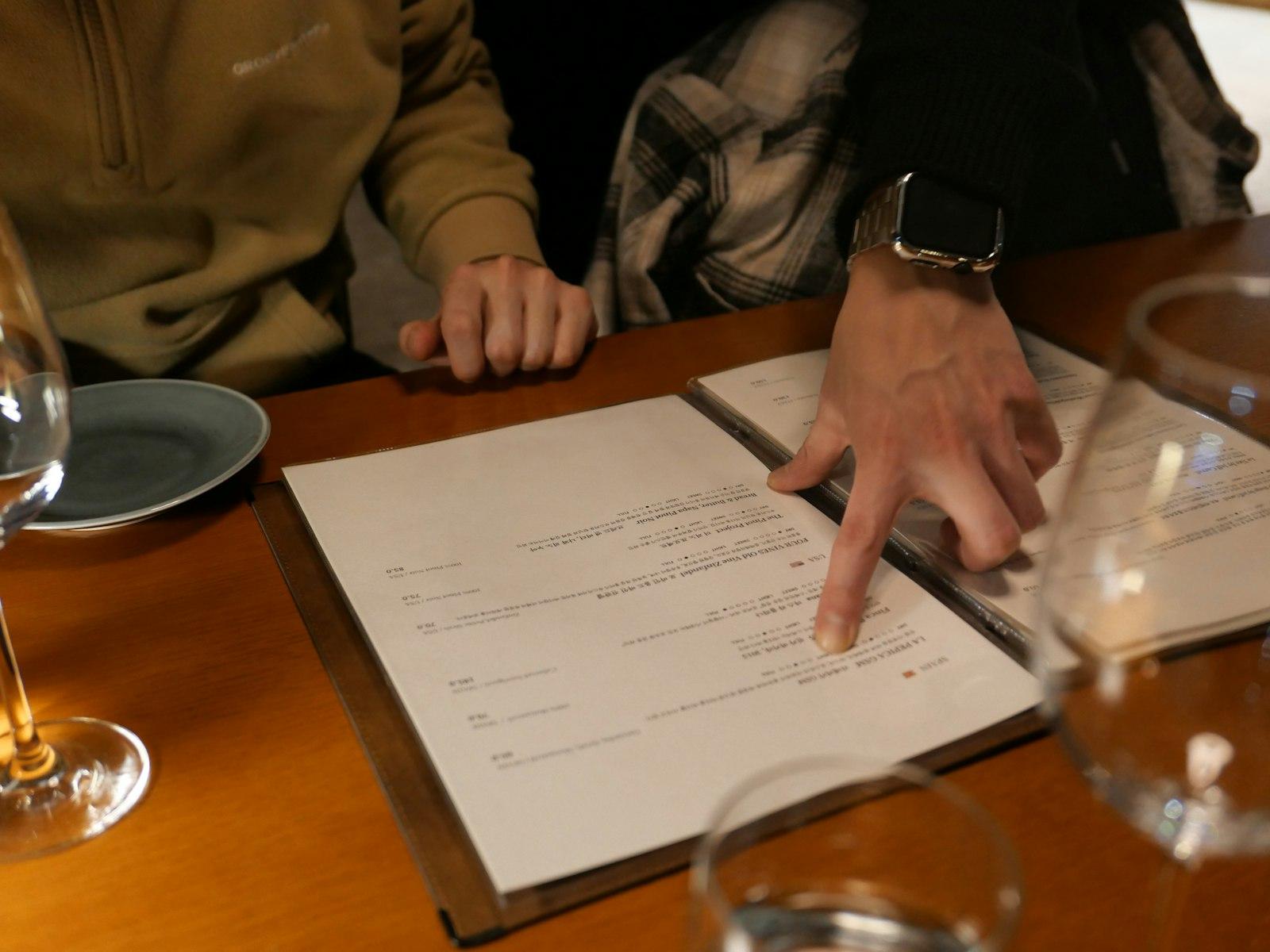
- A QR code on the table is handy but does not fully replace the printed menu: guests must be able to see prices before they order.
- Allergens and prices must match in digital and printed form. So maintain the menu in one place.
- Structured data under schema.org (Menu, MenuSection, MenuItem) helps search engines understand dishes and prices correctly.
- Languages and accessibility: easy-to-read type, enough contrast, no text in images and an English version for tourists.
This post is general information and does not replace legal or tax advice. Rules change and some differ between federal states: check the details with your chamber of commerce (WKO) or IHK, the competent authority or your tax adviser.
HTML, PDF or just a QR code: three formats compared
“Digital menu” means different things to different people. Some venues upload the printed menu as a PDF to the website. Others stick a QR code on the table that leads to a photo, a PDF or an app. The third format is a menu that sits on the website as ordinary text, divided into sections, with prices and allergens for every dish. The three differ a lot in loading time, readability and upkeep.
| Menu as text (HTML) | Only a QR code with photo or app | ||
|---|---|---|---|
| Readable on a phone | Yes, adapts | Zooming and swiping needed | Depends on the target, often small |
| Loading time | Fast | Often several megabytes | Depends on the app |
| Google reads the dishes | Yes | Limited | Usually not |
| Changing it | Edit the text, done | Redesign and upload the file | Depends on the provider |
| Screen readers | Good | Often poor | Often poor |
| Translation | Language switch possible | One file per language | Depends on the provider |
A PDF still has its place: as a download for groups choosing a menu for a party, or for guests who want to print the menu. As the only menu, though, it is the weakest solution. Which other content belongs on your website is covered in the guide Restaurant website: the 13 things your guests look for.
Why Google and guests prefer text
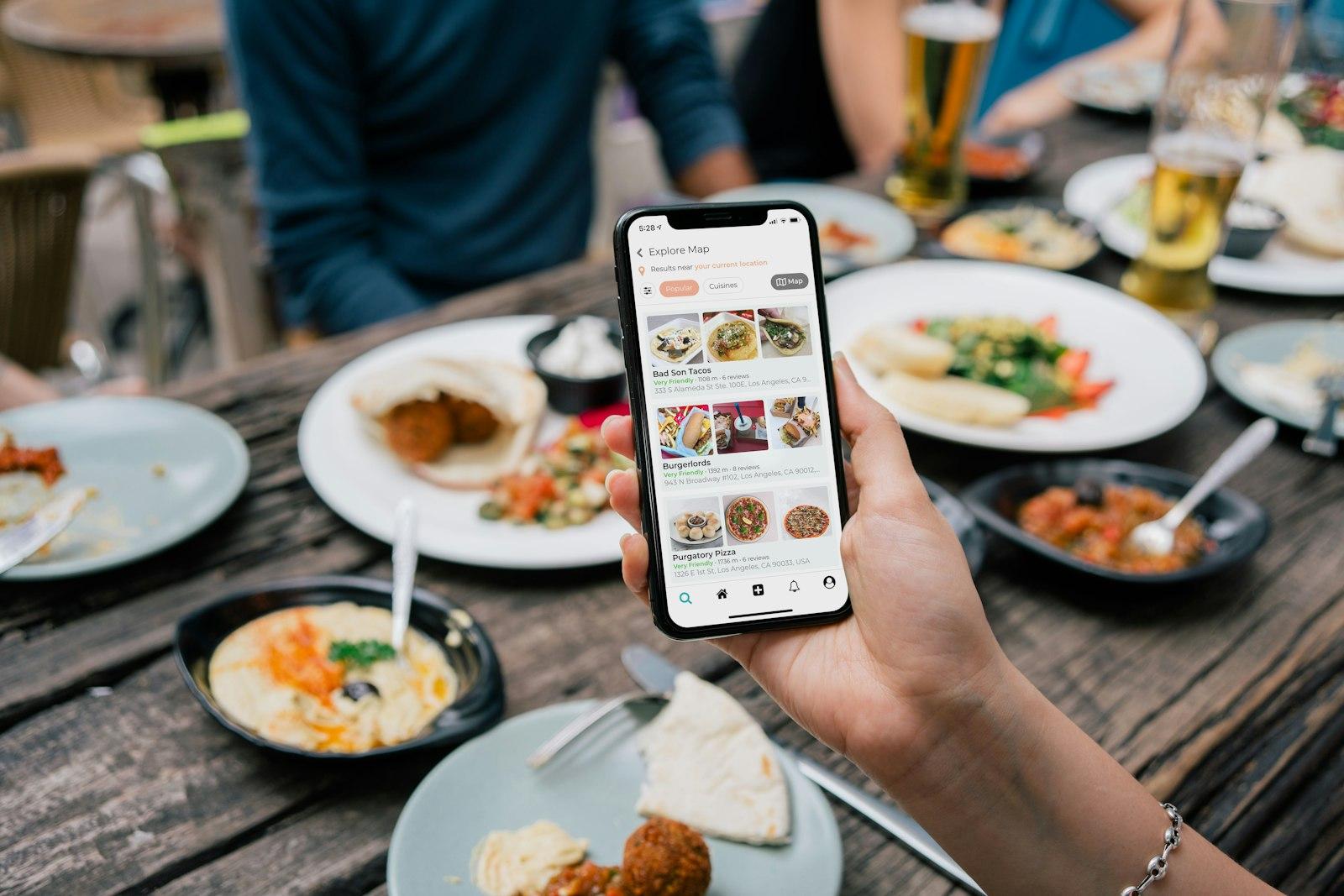
Guests do not only search for “restaurant Graz” but for “schnitzel near me”, “vegan breakfast Vienna” or “gluten-free pizza Munich”. For your venue to be a candidate for such searches, Google has to know which dishes you offer. Google can reliably read text on a website, understand it and match it to search queries. With a PDF or a photo of the menu this works less well or not at all. According to its own help pages, Google can even take menu data from your website into your Business Profile.
- Faster: text loads even with a weak signal in the beer garden or on the underground.
- More readable: the font size adapts, nobody has to zoom.
- Easier to find: dishes, ingredients and diets become search terms.
- Easier to share: guests send a link straight to the dessert menu or the lunch menu.
- More accessible: screen readers read the menu aloud, browser translation works.
More on how your menu helps you get found on Google is in the guide to local SEO for hospitality.
Keeping daily specials and the seasonal menu up to date
The biggest advantage of a text menu shows in everyday work: the lunch menu changes daily, the goulash has run out, asparagus season begins, prices go up. With a content management system (CMS) you change that in a minute from your phone. With a PDF it means: open the file, adjust the layout, export, upload, delete the old file. In practice, the old menu then often stays online for months, and guests are annoyed by dishes that no longer exist.
Set up the fixed menu
Starters, mains, desserts, drinks: each with a description, price and allergens.
Separate the changing parts
Daily specials, lunch menu and seasonal menu as their own sections that are quick to swap.
Assign responsibility
Who changes what and when? For example, the head chef updates the weekly menu every Monday.
Change it everywhere at once
Update the website, printed menu, Google profile and delivery platforms on the same day.
Check regularly
Once a month, compare the online menu with the menu in the venue.
Allergens and prices: digital and printed alike
For allergens, Austria and Germany both apply the EU Food Information Regulation (LMIV), supplemented by national rules: in Austria the Allergeninformationsverordnung (Allergen Information Ordinance), in Germany the Lebensmittelinformations-Durchführungsverordnung (LMIDV, the national implementing ordinance). If you take online orders, the mandatory information under Art. 14 Abs. 2 LMIV must be provided before the order is completed. For the menu in the venue, the permitted formats differ between the two countries; the details are in the guides to allergen labelling for Austria and Germany.
For prices, the rule is: state final prices including VAT and any other surcharges. In Austria this is governed for hospitality by § 6 Preisauszeichnungsgesetz (Price Labelling Act), in Germany by § 13 Preisangabenverordnung (Price Indication Ordinance). Both require that guests can see prices before ordering, and a price list at the entrance, with exceptions for smaller businesses in Austria. More in the guides to price display for Austria and Germany. When you set new prices, the menu price calculator turns food cost, markup and VAT into a clean final price.
Using QR codes on the table properly
QR codes on tables have caught on: guests scan and immediately see the current menu, including daily specials and the wine list. That saves printing costs and wear. But a QR code is only as good as the page behind it. If it leads to a PDF that is barely readable on a phone, nobody is helped. So link directly to the menu on your own website, not to a third-party app that collects data or is shut down at some point.
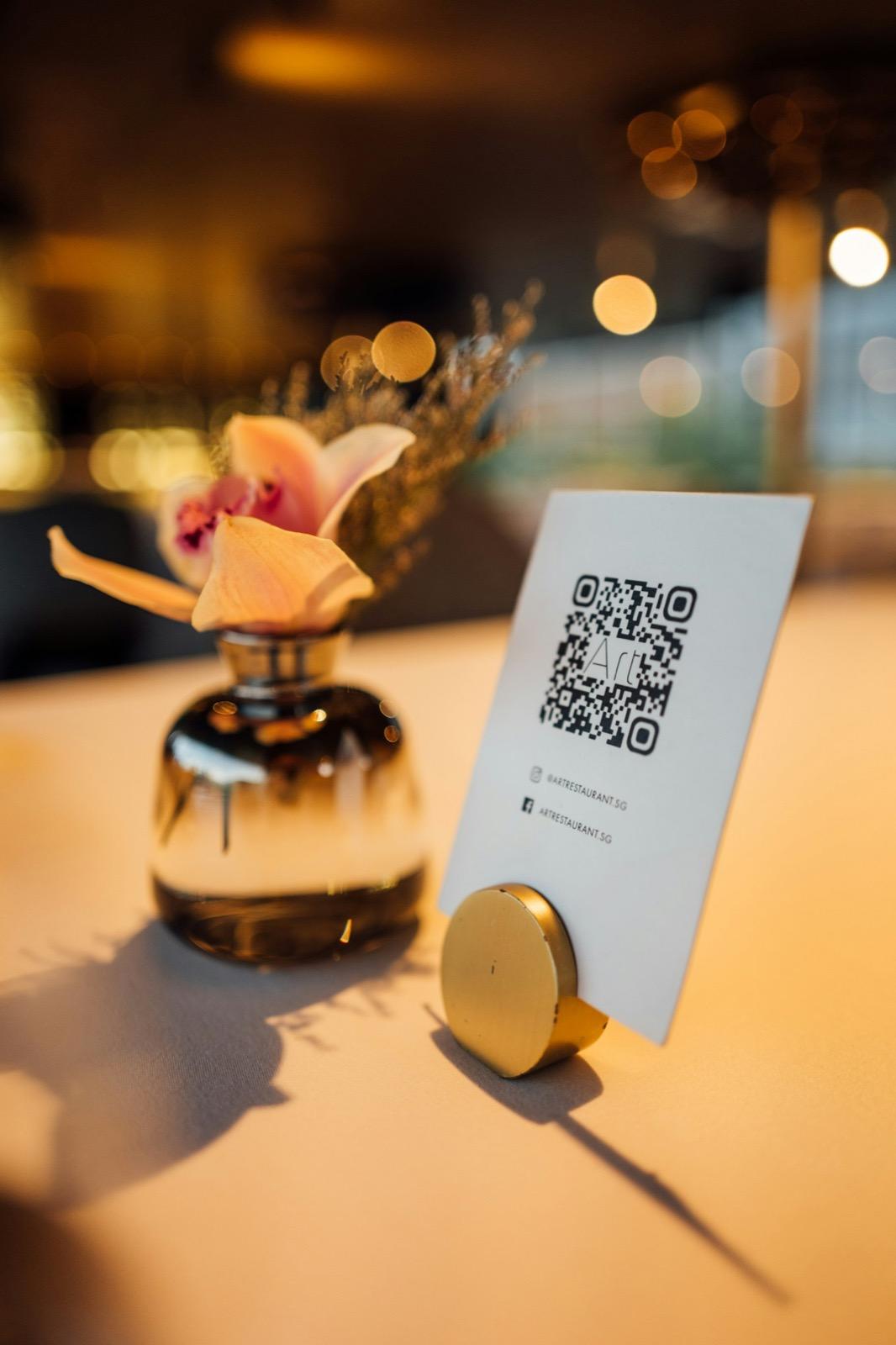
QR code and table stand for your menu
Create a free QR code that leads straight to your online menu, as a print-ready table stand.
Structured data: schema.org Menu
Structured data is a machine-readable description of your page in the background. For restaurants there is the type Restaurant with the property hasMenu, which points to a menu of the type Menu. That is divided into MenuSection (for example starters) and MenuItem (the individual dish), each with a name, a description, a price via offers and optionally a diet via suitableForDiet, such as vegan or gluten-free.
In its documentation on local businesses, Google recommends properties for restaurants such as menu (the address of your menu), servesCuisine (the cuisine), priceRange, opening hours and phone number. There is no guarantee of particular displays in the search results, but complete and correct data helps search engines and AI assistants classify your venue correctly. With Meine-Gastro-Website, this data is generated automatically from your menu.
How to get it right
- Menu as text with clear sections
- Price, description and allergens for every dish
- Structured data that matches the visible content exactly
- Your own website as the target of the QR code
Better not
- Only a photo or PDF of the menu
- Prices online that do not match the venue
- Structured data with dishes that are not on the page
- A QR code to an app that forces guests to register
Languages and accessibility
A digital menu can do what a printed one hardly manages: several languages without a thick folder. For tourists an English menu is a matter of course, depending on the region Italian, French or Czech too. Regional specialities such as Backhendl, Germknödel or Maultaschen keep their original names and get a short explanation. Allergens must be just as correct in every language as in the original.
- Font size at least as large as normal body text, no tiny small print.
- Contrast: dark text on a light background or the other way round, no text on busy photos.
- No text in images: dishes and prices as real text so screen readers can read them aloud.
- Clear structure with a heading per section so people can jump around.
- Symbols explained: vegan, spicy or homemade not only as an icon but also as text.
For online orders, the accessibility laws come into play, which have applied to many e-commerce services since June 2025; micro-enterprises providing services are exempt. What that means for your ordering shop is explained for Austria and Germany.
Checklist for your digital menu
- Menu as text on your own website, with a PDF as an extra at most
- Sections for the fixed menu, daily specials, seasonal menu and drinks
- Final prices including VAT for every dish
- Allergens under the rules of your country, identical to the printed menu
- QR code on the table that leads straight to the menu on your website
- Printed menus for guests without a smartphone
- English version and, depending on location, more languages
- Structured data under schema.org Menu
- Easy-to-read type, enough contrast, no text in images
- The same menu in your Google profile and on delivery platforms
Your menu as a fast, beautiful website
We set up your menu as text with allergens, prices and a language switch. The preview is free.
A free preview of your venue website, designed by us.