Key points at a glance
- Boosting a post in the Instagram or Facebook app is enough for simple goals like more local reach. Ads Manager offers more objectives, placements, tests and detailed reporting.
- For a venue, location matters most: a radius around your address that matches your catchment area, not entire regions.
- Start with a small test budget and a fixed run time, compare two creatives and only scale what works.
- Good occasions are openings, events, lunch menus, seasonal menus and private parties, each with a concrete offer and a clear goal such as booking or calling.
- Measure results, not likes: clicks on booking and directions, calls, enquiries, and asking guests how they found you.
This post is general information and does not replace legal or tax advice. Rules change and some differ between federal states: check the details with your chamber of commerce (WKO) or IHK, the competent authority or your tax adviser.
When paid advertising pays off for a venue
Instagram and Facebook do not show posts to all of your followers, only to a selection chosen by the algorithm. If you have just opened, have few followers or want to spread a specific offer quickly, unpaid posts often do not get far. Paid ads solve exactly that: you decide who sees the post, where those people are and how long the ad runs.
Ads do not replace a well-kept profile, though. Anyone who taps an ad usually checks your profile and website first. If they find old opening hours, three posts from last year and no menu, the money is wasted. So build the basics first, as described in the guides Instagram for hospitality and Facebook pages for venues, and then use ads for specific occasions.
Boost a post or use Ads Manager?
Meta, the company behind Instagram and Facebook, offers two ways to advertise. The quick one is the “Boost” button below a post in the Instagram app or “Boost post” on your Facebook Page. The detailed one is Ads Manager, which you open in the browser or via Meta Business Suite. Technically both create a real ad that is billed through the same ad account and labelled “Sponsored”.
| Boost post | Ads Manager | |
|---|---|---|
| Effort | A few minutes in the app | Some learning, ideally on a computer |
| Goals | A few preset goals, such as more profile visits, website visits or messages | All campaign objectives, such as awareness, traffic, engagement, leads or sales |
| Audience | Location, age and simple interests | Also saved audiences, exclusions and custom audiences |
| Creatives | The existing post, unchanged | Dedicated ads, several variants, existing posts too |
| Reporting | Basic figures in the app | Detailed reports, comparisons and tests |
| Best for | Spontaneous promotions, event reminders, first attempts | Openings, campaigns over several weeks, regular advertising |
For most small businesses, starting with “Boost” is perfectly fine. Once you spend money regularly, want to compare two creatives or control Instagram and Facebook ads separately, Ads Manager is worth it. Either way, connect your Instagram account and Facebook Page in a dedicated Meta business portfolio, so the ad account, payment method and access do not depend on a single person.
Radius targeting: the right people nearby
For a venue, location is the most important setting. Instead of selecting a whole city or region, drop a pin on your address and choose a radius. Meta can reach people who live there or were recently there. With Meta's automated audience (Advantage+), the system often expands your interest settings on its own, but the location remains a hard limit.
| Venue and occasion | Sensible radius | Why |
|---|---|---|
| Lunch menu in the city centre | Small, roughly the surrounding streets and office districts | Lunch guests rarely walk far |
| Café or bakery in a residential area | Your own neighbourhood and adjacent districts | Regulars come on foot or by bike |
| Evening restaurant, bar | The city or the districts within easy reach | People cross town for a night out |
| Day-trip venue, country inn, Heuriger | The region within a car ride | Guests plan weekend outings |
| Hotel or guesthouse | Where your guests come from, not your own town | Overnight guests travel from further away |
- Age: Only narrow it down when you really need to, for example for alcohol or a student offer. Tight settings make the audience small and expensive.
- Interests: Usually secondary for local ads. Anyone who lives nearby and eats out is your audience; too many interests restrict it needlessly.
- Language: In tourist regions, an ad in English can make sense for visitors who are currently in the area.
- Exclusions: You can exclude existing followers from awareness campaigns if you specifically want to reach new guests.
Budget: how much and for how long
With Meta you decide how much you spend: as a daily budget or as a lifetime budget for a set period. There is no fixed price per ad; costs come from an auction and depend on the audience, the season, competition and the quality of your creative. A good ad that people look at and click is usually delivered more cheaply than a dull one.
Set the goal
What should happen? Weekend bookings, event sign-ups, awareness after the opening. One goal per campaign.
Choose a test budget
Start with an amount you can afford to lose and a fixed run time of a few days up to two weeks.
Compare two creatives
For example a kitchen reel versus a photo of the dish. In Ads Manager both run in the same campaign.
Evaluate and decide
When the run ends, compare the cost per click or enquiry. The better creative gets more budget, the weaker one is replaced.
Find a rhythm
Instead of advertising all the time, plan ads around occasions: the opening, the start of a season, events, quiet weeks.
Advertise briefly and with focus rather than for months at a few cents a day. An ad for roast goose that runs nearby in the two weeks before St Martin's Day brings more than the same sum spread over the whole autumn. Also set your ad budget in your online marketing plan so it does not become a spontaneous expense. The break-even calculator for restaurants and cafés shows how many guests a day you need to cover your fixed costs, ad budget included.
Occasions: what ads work especially well for
Ads work best when they give a concrete reason to come now. “Come and visit us!” convinces nobody; “From Monday: lunch menu with soup and main course, on the table in 15 minutes” does.
| Occasion | Ad content | Goal and button |
|---|---|---|
| Opening | Dining room, team and signature dish, date and address | Local awareness, “Learn more” button to the website |
| Event | Date, time, programme, short video from last time | Clicks to the event page or booking |
| Lunch menu | Weekly menu, price level, fast service | Reach among nearby offices, button to the weekly menu |
| Seasonal menu | Asparagus, wild garlic, game, roast goose, Advent | Bookings for the promotion weeks |
| Parties and groups | Function room, set menu ideas, photos of past parties | Enquiries via form, call or message |
| Quiet days | An offer for Monday or Tuesday, such as a pasta night | Guests on slow days |
How to set up and promote a lunch menu as a whole is covered in the guide Running a successful lunch menu. For events, read Promoting events online: it shows how your website, Google profile, Facebook event and ads work together.
A good ad: creative, copy and goal
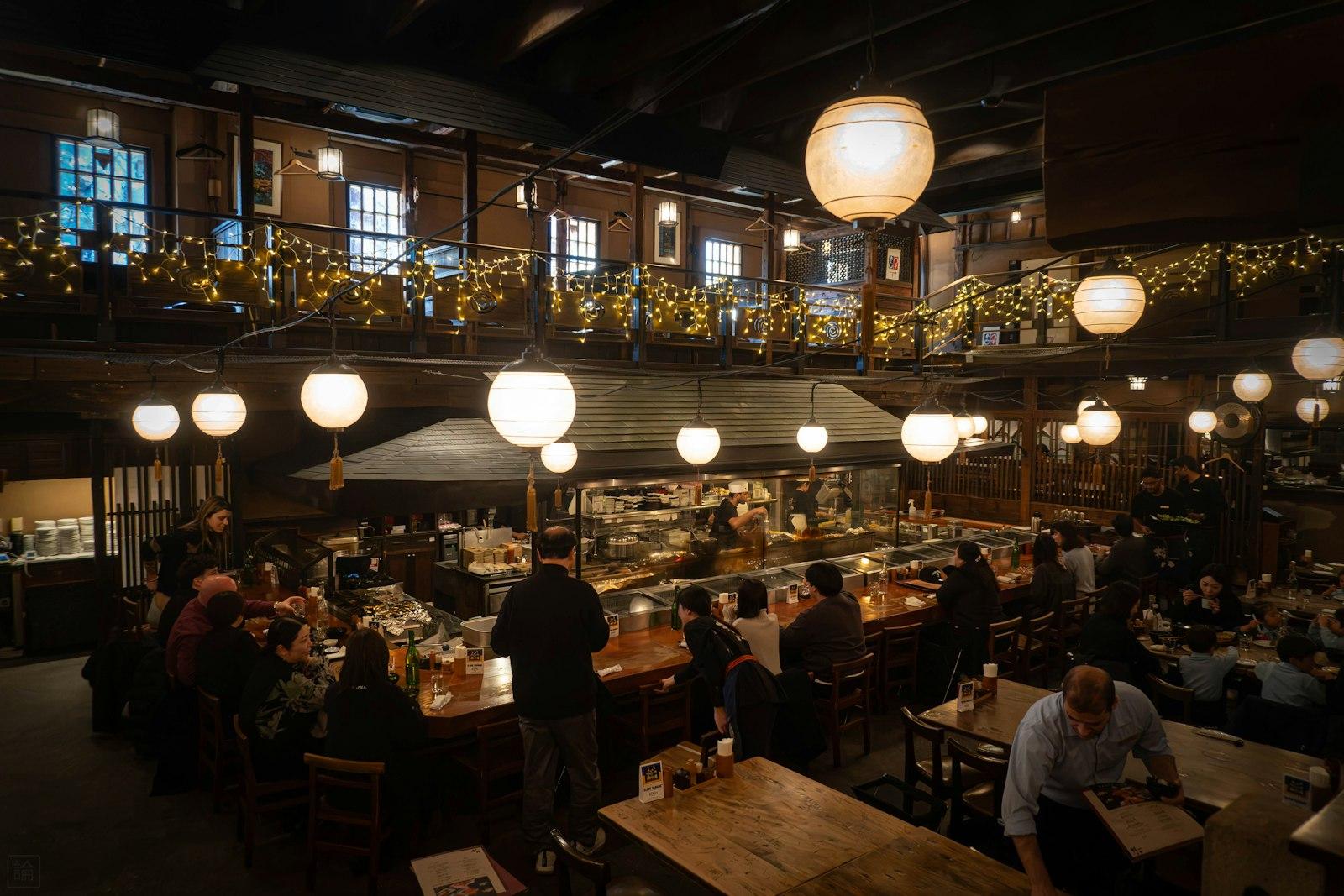
In the feed you have about a second to stand out. Real pictures from your venue usually work better than stock photos: steaming plates, the full beer garden, the chef plating up. Vertical videos work in Reels and Stories, photos in the feed. The guide on food photography shows how to take good pictures with a smartphone.
How to get it right
- One offer per ad, clear and specific
- Name the place in the copy, such as “in Graz-Lend” or “by the Viktualienmarkt”
- Real photos and short videos from your own venue
- The button leads straight to the matching page of your website
- Reply quickly to comments and messages on the ad
Better not
- Five offers and the opening hours in one picture
- Sending the ad to the home page when it is about the event
- Stock photos that do not show your venue
- All of Austria or Germany as the target area
- Launching the ad and only checking it weeks later
The landing page decides whether a click becomes a guest. It should load fast on a phone and show right away what it is about: the weekly menu, event details or booking. A link to just your Instagram profile or a PDF menu throws away many clicks. Which content your website needs is covered in the guide Restaurant website: the content your guests look for.
A landing page that turns clicks into guests
See in a free preview how your website with menu, events and booking could look, before you put money into ads.
A free preview of your venue website, designed by us.
Measuring success: results, not likes
Reach and likes are easy to get but say little about whether more guests come. Focus on figures that are closer to the booking and add what you observe in your venue.
| Metric | Where to find it | What it tells you |
|---|---|---|
| Reach and frequency | Ads Manager or insights in the app | How many people saw the ad and how often |
| Link clicks and cost per click | Ads Manager | Whether the creative sparks curiosity and what a visit to your site costs |
| Landing page visits | Your website statistics | Whether the clicks actually arrive and how long visitors stay |
| Bookings, calls, enquiries | Booking system, phone, inbox | The actual result, ideally compared with weeks without ads |
| Asking guests | During service, when booking | Honest feedback on whether people saw the ad |
Links with a tag, such as a dedicated campaign parameter, show you in your website statistics which visits come from the ad. How to measure visits in a privacy-friendly way is explained in the guide Measuring success. A voucher code or keyword only for the ad, such as “Lunch-Instagram” when booking, also makes the effect visible.
Checklist before your first ad
- Instagram profile and Facebook Page up to date, connected in your Meta business portfolio
- One clear goal and a concrete occasion for the campaign
- Radius around your address chosen to match your catchment area
- Test budget and run time set
- Two creatives from your own venue ready
- A landing page on your website that loads fast on a phone
- For alcohol: advertising standards checked and minimum age set
- Pixel only with consent, privacy policy up to date
- A date for the evaluation in your calendar
One last tip: in Meta's public Ad Library you can see which ads other venues are currently running. It is a good source of ideas, without copying.